

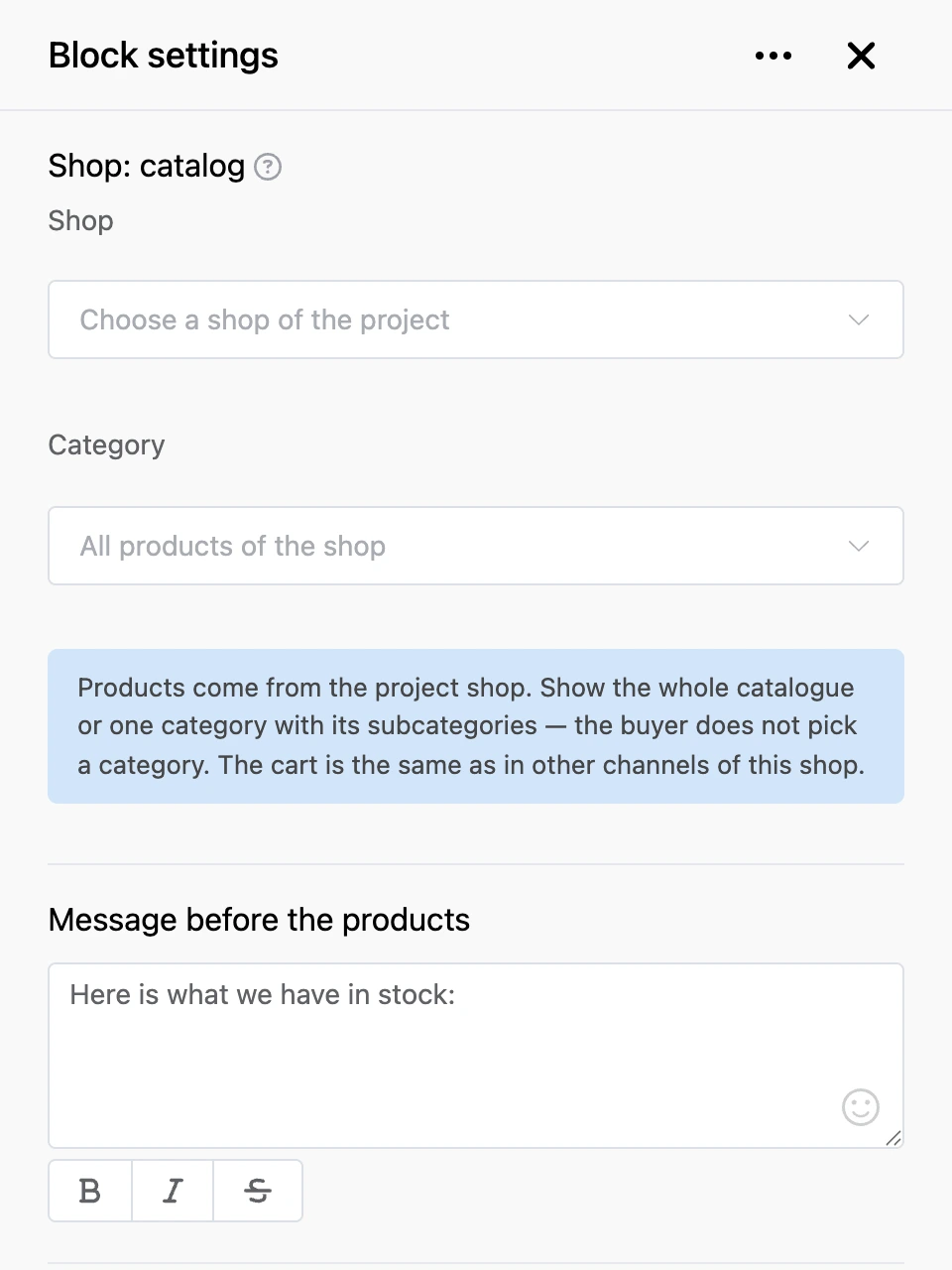
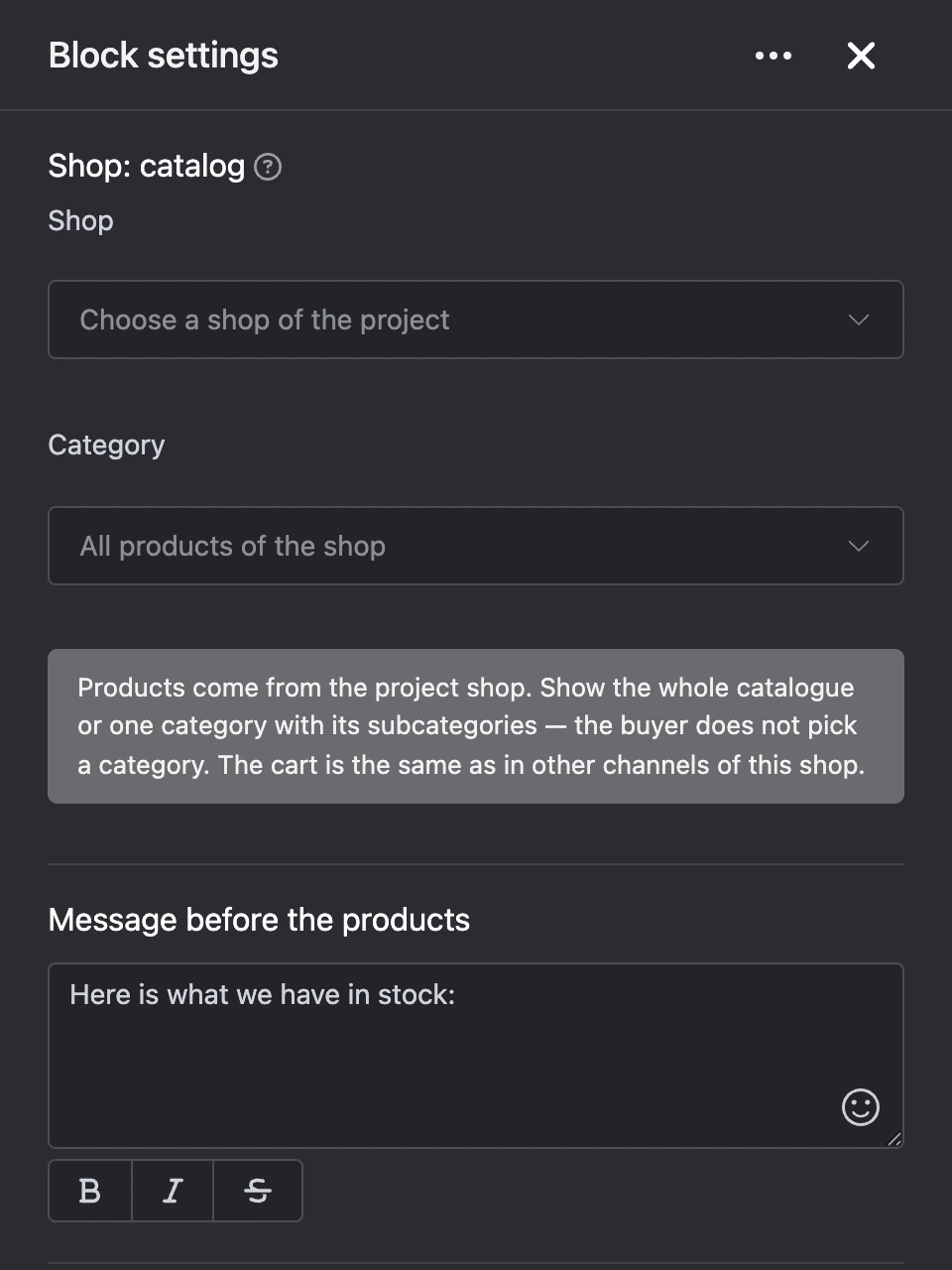
Shop: catalog
Shows the shop's products in batches. Each product comes as a separate message with the "Add to cart" button.
Once a product is added, the button turns into the row "-", "In cart: N", "+" — the quantity can be changed right in the catalogue. A product with variants has the "Choose an option" button instead: it opens buttons with the name and price of each variant. If a product is not in stock, the button says "Out of stock".
After a batch of products the bot writes how many are shown out of the total and adds the "Show more" and "Cart" buttons.
Settings
- "Shop" — the project shop whose products to show.
- "Category" — which category to show, together with its subcategories. If none is chosen, the block shows all products of the shop. The buyer does not choose a category: to give them a choice, add one catalogue block per category.
- "Message before the products" — the text the bot sends before the first batch.
- "Product card" — how a product looks in the chat. The buttons under the field insert product data: "Number", "Name", "Price", "Old price", 'Products of a project shop in the chat with an "add to cart" button', "SKU", "Stock". Other templates do not work in this field.
- "Show product photo" — the first photo of the product is sent with the card.
- "Products at once" — the batch size, from 1 to 10.
- '"Add to cart" button', '"Show more" button', '"Cart" button' — your own button captions. An empty field means the standard caption.
- "Message about an empty category" — what to write if there are no products. An empty field means "There are no products in this category yet.".
Outputs
- "Cart" — the buyer pressed the "Cart" button.
- "Any other phrase" — the buyer wrote something of their own instead of using the block's buttons.
The block has no "Continue" output.
Good to know
- The buttons under a product work in Telegram, VK, MAX and the web chat.
- "Show more" continues the list. Any new entry into the block starts the catalogue from the beginning.
- Only active products get into the catalogue.