

Order payment
Gives a payment link for the order and opens it right away by default. It goes after the "Place the order" block.
Settings
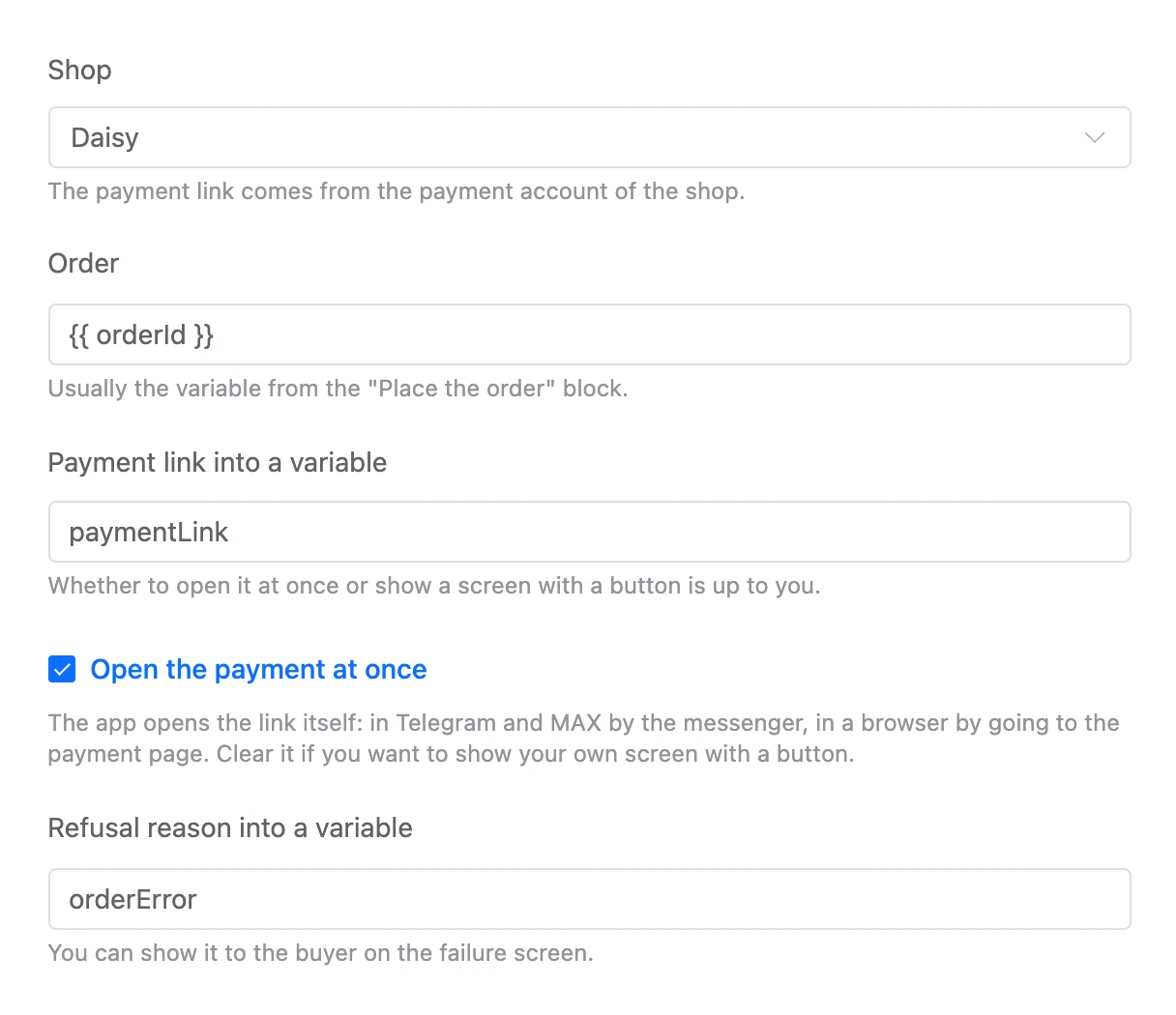
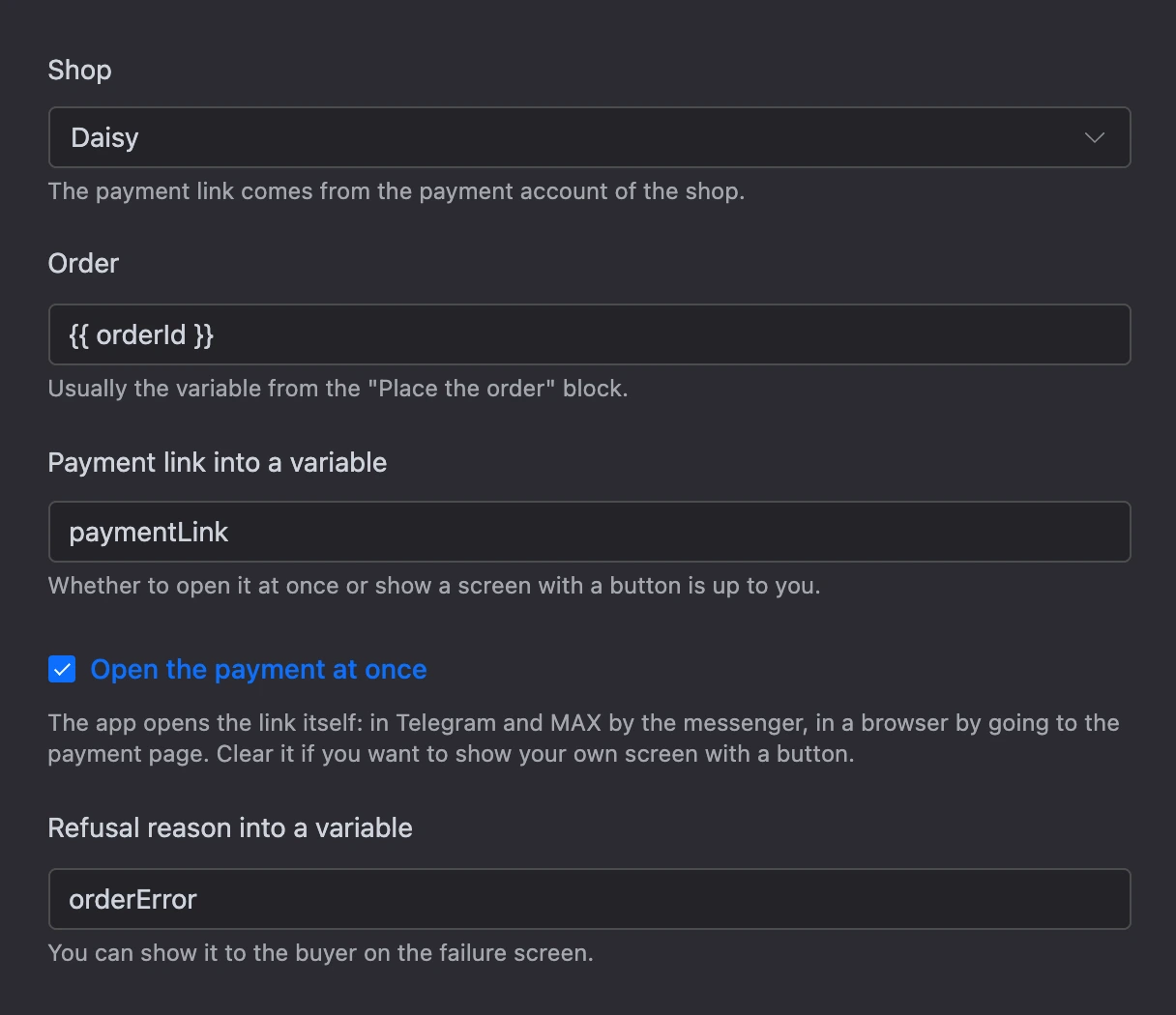
- "Shop" — the payment link comes from the payment account of the shop.
- "Order" — usually the variable from the "Place the order" block:
{{ orderId }}. - "Payment link into a variable" — whether to open it at once or show a screen with a button is up to you.
- "Open the payment at once" — on by default. The app opens the link itself: in Telegram and MAX by the messenger, in a browser by going to the payment page. Clear it if you want to show your own screen with a button.
- "Refusal reason into a variable".
Exits
- "Link is ready" — the link is in the variable; if "Open the payment at once" is on, the payment page opens.
- "Failed" — the order is not selected, it cannot be paid right now, or the payment account returned an error.
Specifics
- Only one's own order can be paid — the one this same person placed in the app.
- How to set up payments and what happens after payment is on the Order payment page.