

Place the order
Turns the cart and the checkout screen answers — name, phone, address, delivery and payment method — into a shop order. The shop's rules — required fields, the minimum amount, stock — are checked by the shop itself.
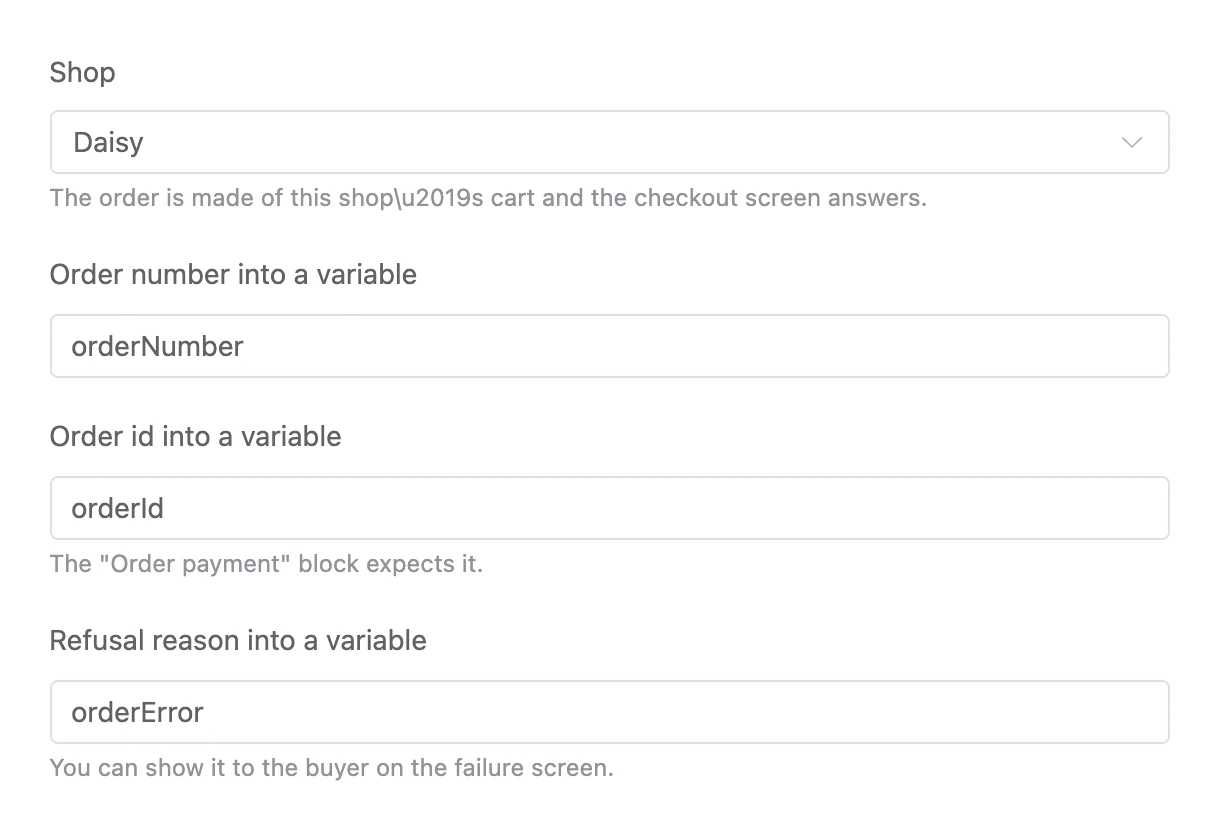
Settings
- "Shop" — the order is made of this shop's cart.
- "Order number into a variable" — the number the buyer sees and you see in the "Orders" section.
- "Order id into a variable" — the "Order payment" block expects it.
- "Refusal reason into a variable" — you can show it to the buyer on the failure screen.
Exits
- "Order placed" — the order is created, the variables are filled.
- "Failed" — the order was not created: the cart is empty, the amount is below the minimum, a product is out of stock, or the shop is not selected. The reason is in the variable from "Refusal reason into a variable".
Specifics
- If a field of the checkout screen is not filled in — for example, the phone — the block does not take the person away from the screen: a hint appears right at the field, and no exit fires.
- An order from the app preview is a test order: it does not reduce stock and does not get into reports.