

Shop: orders
Shows the buyer their latest orders in the chosen shop: number, date, status, payment, sum and items. Each order is a separate message.
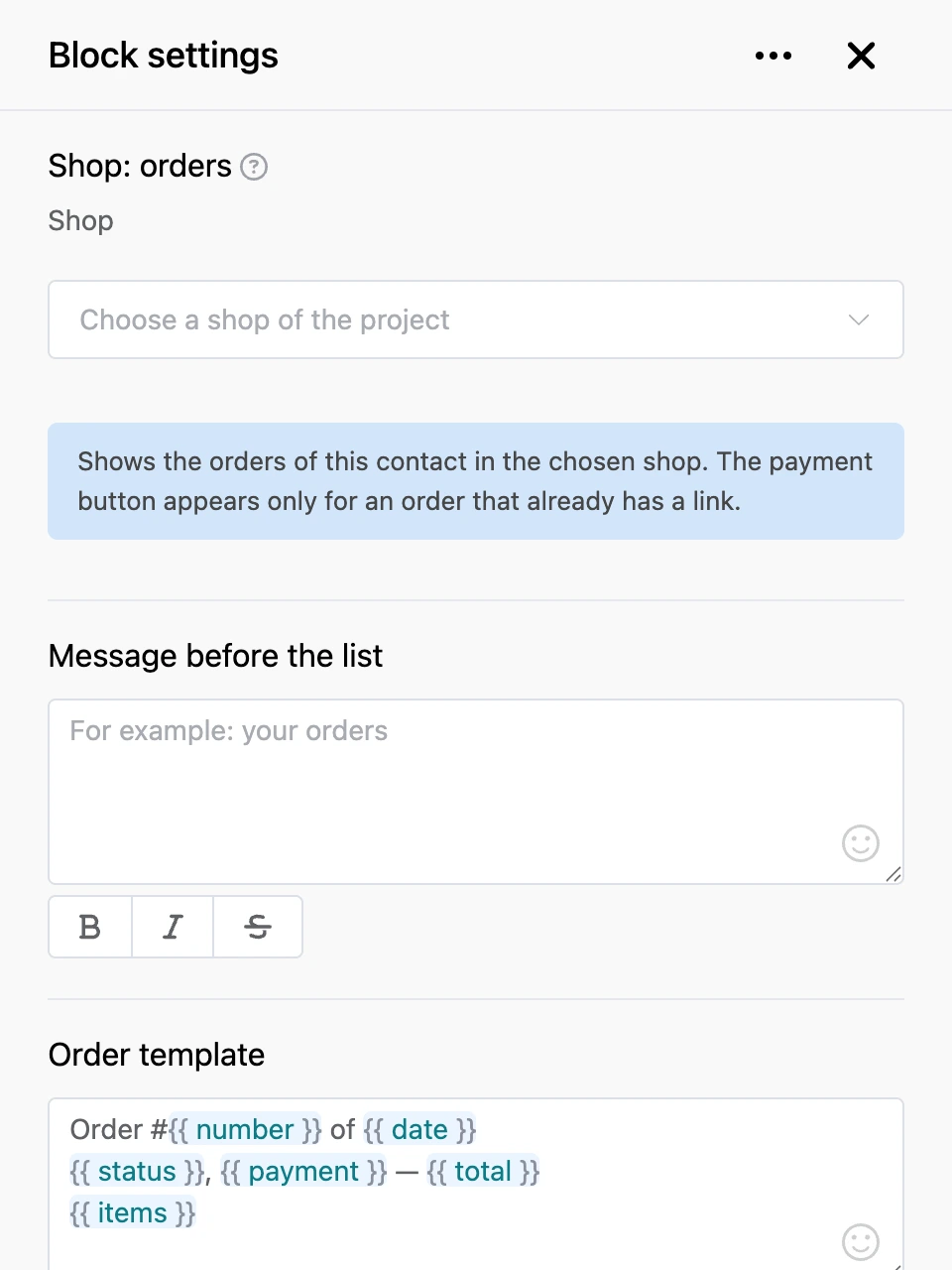
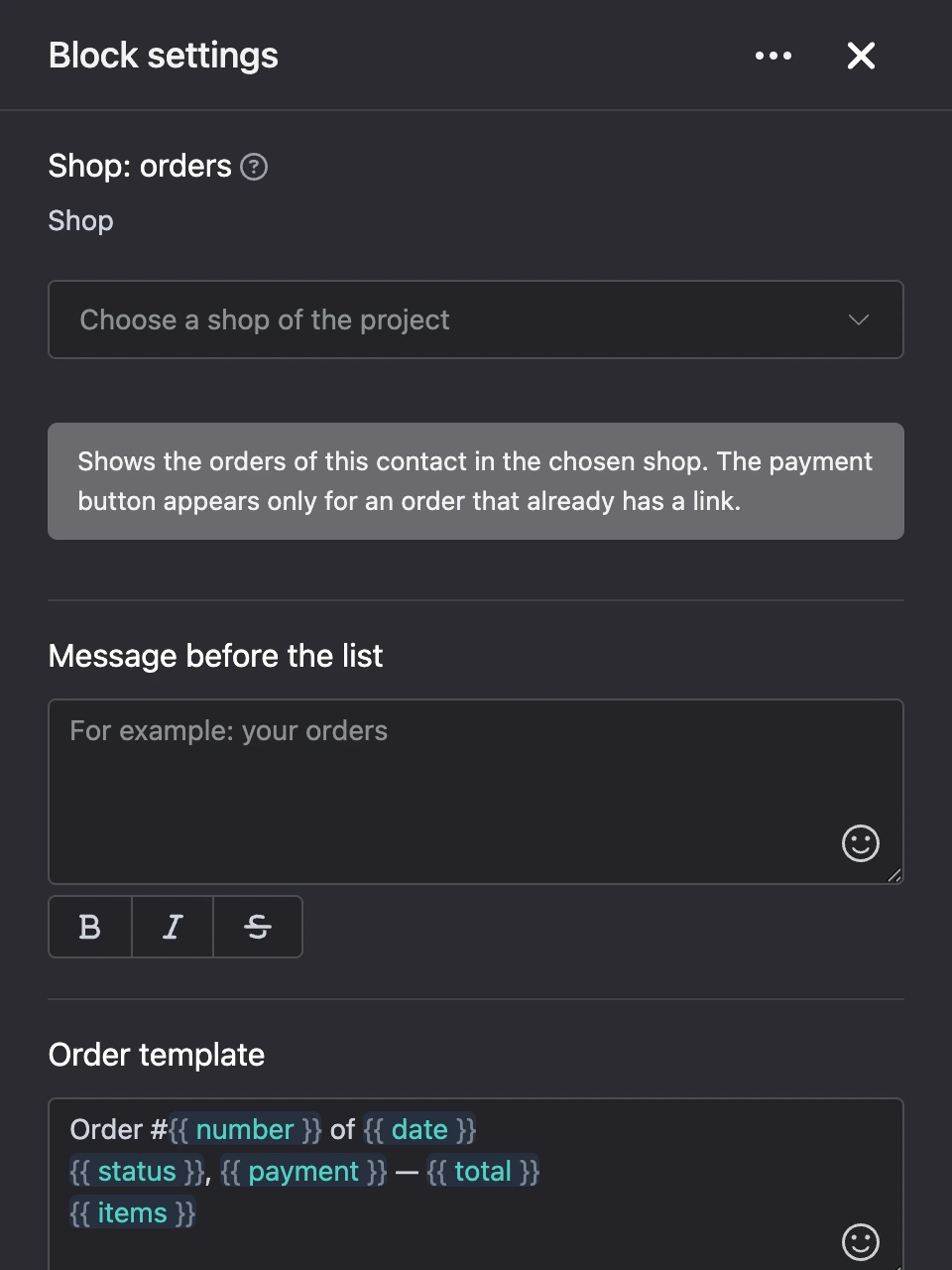
Settings
- "Shop" — the project shop whose orders to show.
- "Message before the list" — the text before the orders.
- "Order template" — how an order looks in the chat. The buttons under the field insert: "Number", "Date", "Sum", "Status", "Payment", "Delivery", "Items". Other templates do not work in this field.
- "Show order items" — the list of the order's products is inserted in place of "Items".
- "How many orders to show" — from 1 to 20.
- "Payment button" — the caption of the button with the payment link.
- "Message when there are no orders" — an empty field means "There are no orders yet.".
Outputs
- "Continue" — right after the bot has sent the list.
Good to know
- The payment button appears only for an order for which a payment link has already been issued and is still awaiting payment. The block does not create a new link.