

Shop: checkout
Asks the buyer the missing questions and creates an order in the shop. It asks only for what is missing, in this order:
- Phone — if the shop requires a phone and the contact does not have one.
- Email — if the shop requires an email and the contact does not have one.
- Delivery — if the shop has delivery options. The options come as buttons, with the price.
- Address — if the chosen delivery option requires an address and the contact does not have one saved.
- Comment — if this is turned on in the block and allowed in the shop settings. The question can be skipped with the "Skip" button.
- Payment method — if there is more than one: "Online" or "On delivery".
The block saves the phone, email and address to the contact — next time it will not ask for them. If the phone or email is entered incorrectly, the bot asks to enter it again.
After checkout the buyer receives a message with the order number and sum. If the payment is online — with the "Pay" button, which leads to the payment page. When the payment goes through, the bot itself writes to the buyer that the order is paid.
Settings
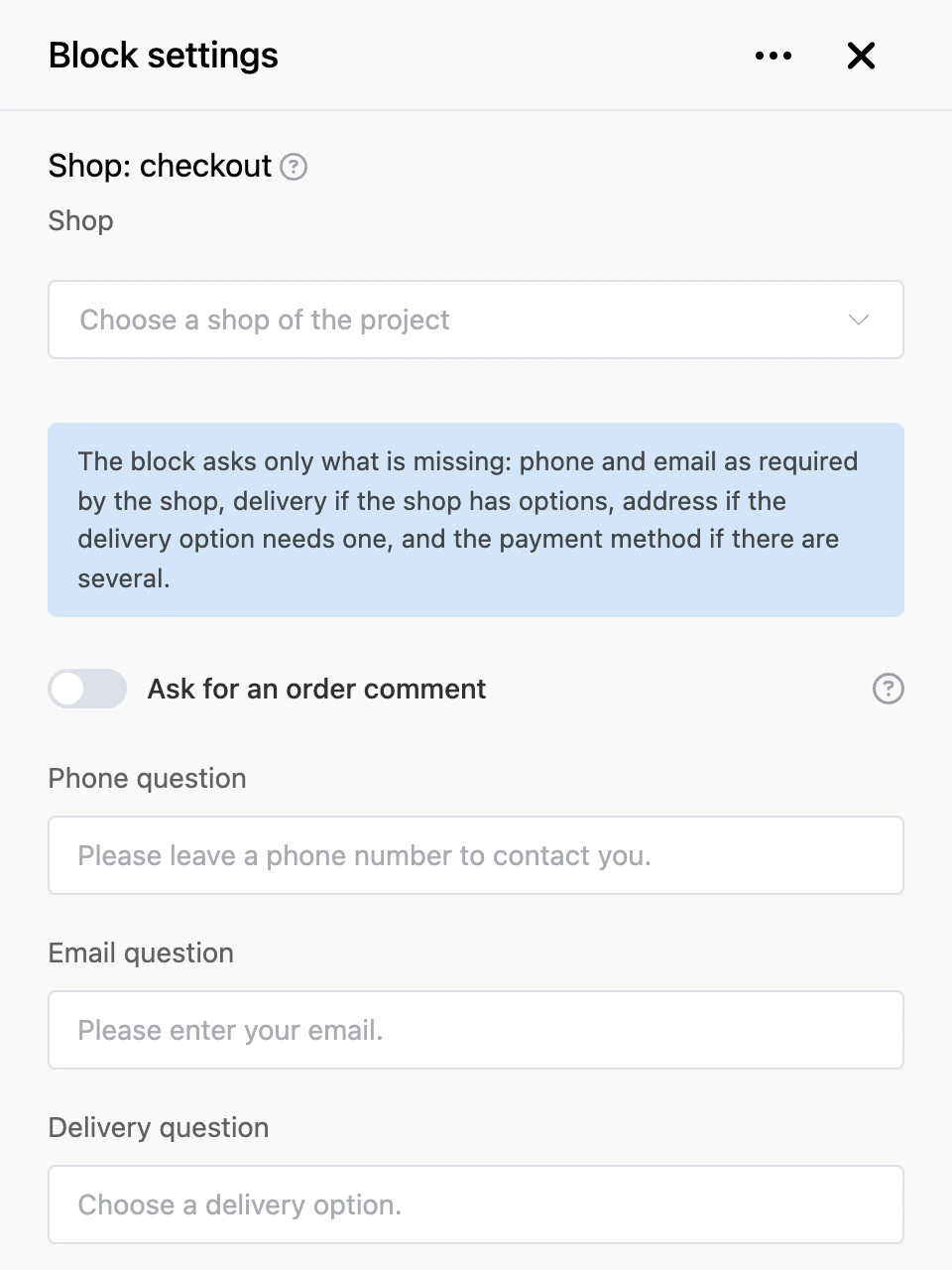
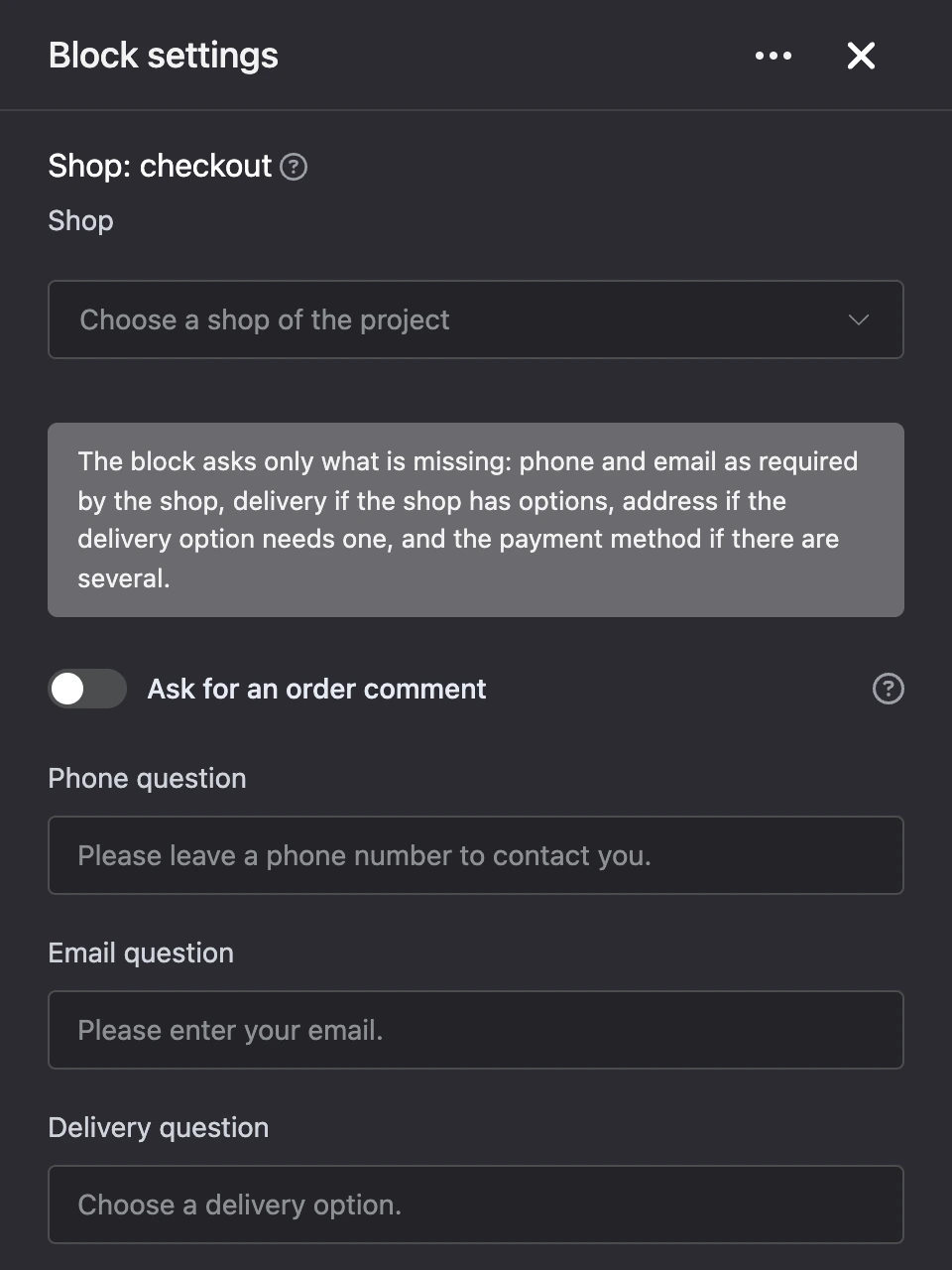
- "Shop" — the project shop in which the order is created.
- "Ask for an order comment" — adds a question about a comment. It works if the shop settings allow a customer comment.
- "Phone question", "Email question", "Delivery question", "Address question", "Comment question", "Payment question" — your own question texts. An empty field means the standard text in the bot's language; it is shown in the field as a hint.
- "Message about the placed order" — the text after checkout.
{{ number }}is the order number,{{ total }}is the sum. - "Payment button" — the caption of the button with the payment link.
Outputs
- "Order placed" — the order has been created.
- "Order failed" — the cart is empty or the shop refused the order, for example a product ran out. The bot itself tells the buyer the reason.
The block has no "Continue" output.
Good to know
- The block is placed after the cart: it checks out what is in the buyer's cart.
- Every new checkout asks for the delivery and the payment method again.
- The payment link button is delivered in Telegram, VK, MAX and the web chat. In other channels the link is added to the message text.